
September 13, 2026
Ops First Package Room Integration for Property Managers, Not Lockers
Operations first guidance for property managers to integrate package room software. Prioritize carrier compliance and live PMS sync, and run a 2–4 week pilot.
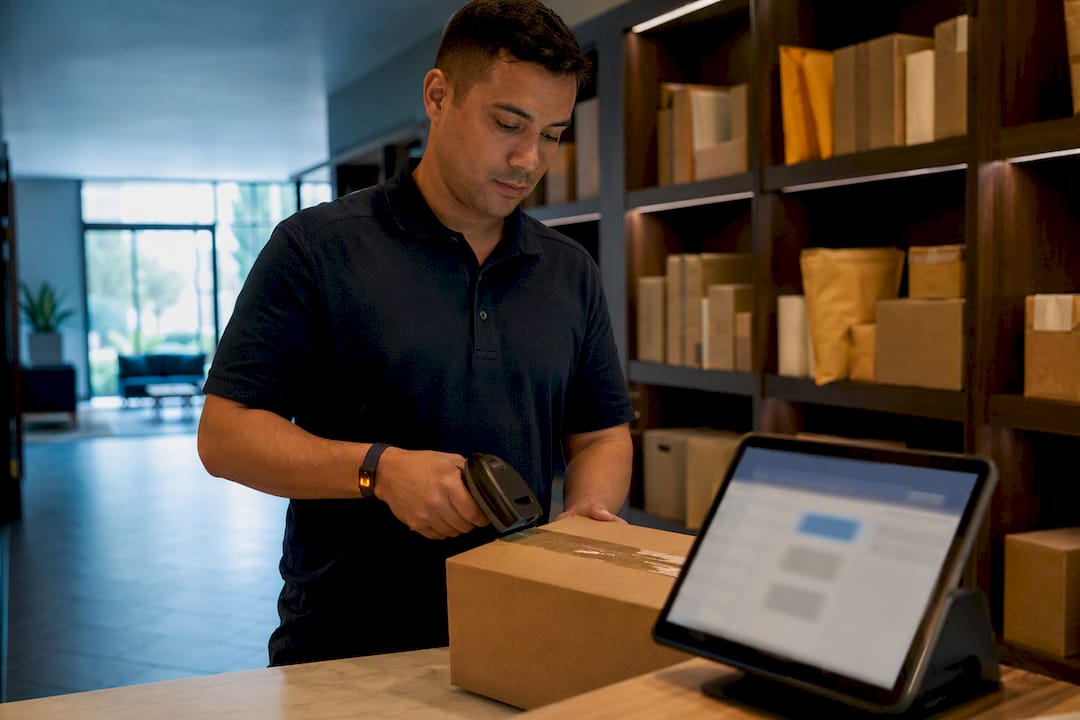
Integrated package room software automates the entire delivery chain: intake scanning, resident notifications, and auditable pickup logging, all tied to your property management system. The right first move isn’t buying more lockers. It’s a scoped pilot that tests PMS sync and carrier compliance before you undertake a full rollout.
TL;DR:
- A successful pilot should test resident access synchronization, carrier workflows, and notification timing during a surge week to uncover hidden defects.
- Real-time PMS sync using APIs or scheduled updates must accurately match unit numbers and lease dates to prevent security gaps and orphaned access.
- Hardware choice impacts operations: open shelving with computer vision is more flexible and efficient than fixed lockers, which can overwhelm during oversized deliveries.
- Staff training should focus on intake and pickup modules, with KPIs tracking scan rates, dwell times, and resident pickup within 24 or 48 hours to ensure smooth daily operations.
- Partnering with a managed service can deliver immediate operational benefits and resident satisfaction without months of internal setup, especially if your team is understaffed.
Table of Contents
- What Does Package Room Software Integration Actually Do?
- How Do You Plan a Package Management Software Integration?
- How Does Software Sync With Your Property Management System?
- What Access Control and Hardware Choices Matter Most?
- What Security and Audit Controls Should You Require?
- How Does Daily Operations Change After Integration?
- What Does Real Operational Experience Look Like?
- Integration Checklist: What to Do Before, During, and After Launch
- A Property Leader’s View on Integration Priorities
- A Managed Alternative to Building the Integration Yourself
- Sources
- FAQ
What Does Package Room Software Integration Actually Do?
Integration means the package room stops operating as an island. A parcel gets scanned in, the system checks it against a resident record pulled live from your property management system (PMS), assigns it a shelf or locker slot, and fires off a notification. When the resident shows up, a scan-out event closes the loop and logs the exchange.
Two hardware philosophies dominate the market. Fixed lockers assign a physical compartment per package, which works fine until oversized boxes or a heavy delivery day overwhelms the bank. Open shelving paired with computer vision and OCR tracks packages by image and barcode rather than compartment, which is why open-shelving systems report two to three times the storage efficiency of locker banks and cut down on lobby overflow.
Regardless of hardware, the software layer needs to deliver:
- Scan validation at both intake and pickup, so every parcel has a timestamped record
- Automated resident notifications by text, email, or app push
- An admin dashboard showing live occupancy, aging packages, and exceptions
- Audit logs that reconstruct chain-of-custody for any parcel, on demand
Skip any one of these and you’re back to a shelf full of unlabeled boxes and a leasing office fielding “where’s my package” calls.
How Do You Plan a Package Management Software Integration?
Most integration failures trace back to skipped prework, not bad software. Here’s the sequence that actually holds up under a live rollout.
- Inventory your hardware and workflows. Document every access point, camera, and kiosk, and map how a package currently moves from the front door to a resident’s hands.
- Pick your KPIs before you pick your vendor. Turnover time, scan rate at intake, and staff hours spent per week are the three numbers that tell you if the integration is working.
- Sequence your priorities. Sync with the PMS first, since resident access hinges on it. Access control and notification channels come next. Carrier workflow tests run in parallel throughout.
- Run a pilot with scripted deliveries. Feed the system a mix of standard parcels, oversized boxes, and deliberately mislabeled packages to see how it handles exceptions.
- Train staff on the exact modules they’ll touch daily, not the entire platform. A two-hour session on intake scanning and exception flags beats a half-day walkthrough nobody remembers.
- Set go/no-go criteria before the pilot starts. A common bar: 95% successful scan validation and zero unresolved access errors across the pilot window.
- Roll out in phases, monitor daily for the first two weeks, retrain carriers who fall out of compliance, and communicate the change to residents before the old system disappears.
Operational data backs up the prioritization here. Frameworks built around multifamily package problems consistently find that carrier compliance and staff burden reduction are more important considerations than simply adding locker capacity as the driver behind adoption. Pilots that pair scripted carrier drops with PMS sync tests tend to surface most integration defects, from data mapping errors to token expiry, before they hit residents. That pilot structure mirrors the package sorting playbook many operators already use for hardware rollouts.
Pro Tip: Run your pilot during a week with a real delivery surge, like right after a major online sale. Quiet weeks hide the exceptions you actually need to catch.
How Does Software Sync With Your Property Management System?
Live PMS sync is the backbone of secure resident access. When a lease ends and the sync is delayed or manual, that resident keeps active access to the package system after move-out. That’s not a minor bug. It’s an open door.
Vendor integration documentation for smart package systems emphasizes real-time synchronization of resident and unit data, with automated updates triggered by move-in and move-out events rather than a nightly batch job. Two methods handle this in practice: a direct API connection that pushes changes instantly, or a scheduled export/import that runs on an interval, often hourly or nightly. API connections cost more to set up but close the security gap that batch syncing leaves open.
Field mapping matters more than people expect. At minimum, confirm these fields transfer cleanly:
- Unit number matched to the correct resident record, not just a building address
- Lease start and end dates, since these trigger access activation and deactivation
- Occupant IDs for households with multiple authorized pickup users
Before going live, run move-in and move-out simulations, audit for orphaned access permissions left over from prior residents, and set a reconciliation cadence, weekly at minimum, to catch anything the automated sync missed.
What Access Control and Hardware Choices Matter Most?
The software only works as well as the physical access points feeding it data. Three access modes cover most deployments, each with a real tradeoff:
- Badge or fob access integrates cleanly with existing building security but requires every resident to carry another credential.
- Temporary courier codes let carriers into the room without a permanent credential, though codes need to expire and rotate to stay secure.
- QR kiosk access gives residents a phone-based pickup flow that’s fast to deploy, but it depends on decent connectivity at the kiosk location.
Camera and kiosk placement decides whether your computer vision system actually works. A kiosk tucked behind a support column or a camera aimed across a doorway instead of down a shelf row will generate blind spots that turn into disputed “missing package” claims.
Design the room so a stressed courier on a tight route can figure it out without help: labeled zones, a clear scan-in point, and signage that doesn’t require reading a manual. That same clarity helps residents, and pairing it with dedicated wayfinding signage in the lobby cuts down on both courier confusion and front-desk interruptions. If your property runs lockers instead of open shelving, the locker integration workflow covers the specific access and kiosk considerations that differ from an open room.
What Security and Audit Controls Should You Require?
Any vendor worth signing with should offer encryption in transit and at rest, role-based access control so front desk staff can’t see admin-level settings, and secure, rotating API tokens rather than static credentials. Vendor documentation for leading platforms confirms that RESTful APIs, webhooks, and token-based authentication are now standard, not premium add-ons.
Beyond encryption, insist on:
- Time-stamped audit trails covering both intake and pickup, not just one side of the transaction
- Clear camera retention limits, with a stated deletion window rather than indefinite storage
- Resident-facing notification preferences that respect opt-outs without breaking pickup alerts
- A documented retention policy for logs, typically 90 days to a year depending on your lease agreements
Ask any vendor to show you these settings during a demo, not just describe them in a sales deck.
How Does Daily Operations Change After Integration?
Staffing models split three ways: fully staffed rooms with a dedicated attendant, self-service rooms running on kiosk and locker access alone, and hybrid setups that staff peak hours and go self-service overnight. Each demands a different level of software reliability, since self-service has no human backstop when a scan fails.
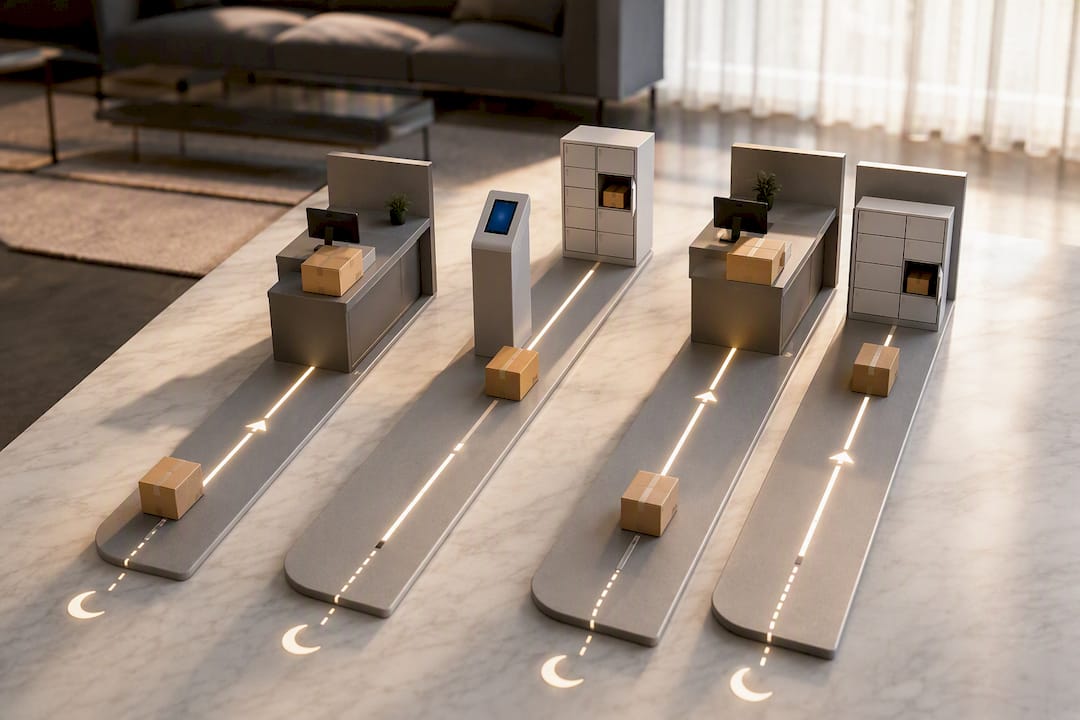
Carrier compliance stays the harder problem. Training carriers on your scan-in process, validating acceptance at the point of delivery, and having a clear escalation path for repeat non-compliance all matter more than any software feature.
Track these KPIs weekly:
- Intake scan rate (percentage of deliveries properly logged)
- Average package dwell time
- Resident pickup percentage within 24 and 48 hours
- Staff hours recovered per week
Dwell time deserves particular attention. Measured across hundreds of thousands of parcels, a substantial percentage of packages are still sitting in a room after four hours when reminder flows are weak, a gap that automated, well-timed notifications close fast. Pairing reminder timing tests into your pilot, not just your rollout, catches this before it becomes a resident complaint pattern. The notification cadence guide walks through timing options that work for different resident populations.
What Does Real Operational Experience Look Like?
A managed on-site package operation typically involves placing a dedicated Package Manager on-site up to six days a week to accept, sort, shelve, and log every parcel regardless of whether the property runs open shelving or a locker bank.
That model, layered on top of the software and hardware already discussed, tends to produce a consistent pattern:
- Leasing staff get hours back weekly, no longer sorting boxes or chasing lost deliveries
- Common areas and lobbies stay clearer since packages get moved to proper storage instead of piling up
- Resident satisfaction climbs because pickup becomes predictable rather than a guessing game
Case-by-case results vary by property size, delivery volume, and existing hardware, but the operational guide for apartment package rooms breaks down what a managed team changes day to day.
Integration Checklist: What to Do Before, During, and After Launch
Before launch, confirm every data field maps correctly, test API endpoints against real resident records, schedule live carrier test drives, and get a signed standard operating procedure agreement with your vendor.
- Map data fields between PMS and package software
- Confirm API endpoints respond correctly under test conditions
- Schedule carrier drives and validate scan compliance live
- Sign off on a documented SOP with the vendor
- Run 50 to 200 scripted sample deliveries during the pilot
- Verify PMS sync holds through a simulated move-in and move-out
- Test the full resident pickup flow, including notification timing
- Check dashboards daily for the first two weeks post-launch
- Reconcile logs weekly against PMS records going forward
- Collect resident feedback through a short form after 30 days
A Property Leader’s View on Integration Priorities
Hardware upgrades get the budget attention, but carrier compliance and staff hours are where integrations actually succeed or fail. A locker bank with a broken carrier workflow is just an expensive shelf. Build the PMS sync and carrier training first, then decide whether an in-house team can sustain it or whether a managed operator makes more sense for your staffing reality. If your team is already stretched thin, partner before you build.
— Postal Solutions
A Managed Alternative to Building the Integration Yourself
Postal Solutions is the option for properties that want the operational payoff of an integrated package room without running the integration project themselves. A dedicated on-site Package Manager works your community up to six days a week, compatible with the open shelving system or locker bank you already have, handling intake, sorting, chain-of-custody logging, and resident notifications without your leasing staff touching a single box.
The comparison comes down to bandwidth and speed. Building your own integration means months of vendor evaluation, PMS testing, and carrier retraining before you see a return. A managed on-site team starts delivering recovered staff hours and a cleaner package room almost immediately, and it converts your package room into a visible amenity your leasing team can point to on tours. Some communities structure it as a paid resident amenity and keep the margin over the management cost, turning what used to be a budget drain into something closer to self-funding.
If you’re weighing which route fits your property, read the on-site versus off-site package management comparison to see how the two models stack up on cost and resident experience, or request a pilot to see what a managed Package Manager looks like at your community.
Sources
- MDU property managers shut door on lockers in favor of smart package rooms | Buildings
- SPR Integrations - Smart Package Room
- Package room software for staffed and self-service rooms | Traizr
- A Framework for Solving Multifamily’s Package Management Problem | Insights by Blueprint
FAQ
What Is Package Room Software Integration?
It’s the process of connecting your package room’s scanning, notification, and access hardware to your PMS and access-control systems so resident data, deliveries, and pickups sync automatically.
Do I Need New Hardware to Integrate Package Software?
Not necessarily. Most modern platforms integrate with existing locker banks or open shelving, and Postal Solutions works with the locker or shelving system you already have rather than requiring a hardware swap.
How Long Does a Package Room Software Pilot Usually Take?
A scripted pilot running 50 to 200 sample deliveries typically takes two to four weeks, enough time to catch data mapping errors, token issues, and carrier non-compliance before a full rollout.
What’s the Biggest Risk in PMS Integration?
Orphaned access permissions from delayed move-out syncing, which leave former residents with active package system access after their lease ends.
Why Does Carrier Compliance Matter More Than Adding Lockers?
Industry frameworks consistently show that carrier workflow problems and staff burden drive most package room complaints, not a lack of storage capacity.
Recommended
Ready when you are
Fix your package room — start with a free proposal
Daily on-site Package Manager, resident text & email pings*, and a tour-ready amenity. Tell us your unit count and we'll send a right-sized proposal — usually within one business day.
- ✓ 16–30 hours back every week
- ✓ Works with any locker system
- ✓ Faster, friction-free resident pickup
- ✓ An easy ancillary income addition